

LD WORK | PAGE WIP
BLOCKOUTS & TECH PROTO
Samples of my documentation, blockouts & tech prototypes using Blender & Unreal Engine.
Design Documentation
Single Player Level Design Document - Sample by Trinh Nguyen
Level design documention
Design documents are there to inform the reader of your designs. It is important that the reader understands your design goals and reasoning behind them.
A demo of how I approach my level design document. From 2d layouts to 3d blockouts and playtesting. These level and document gives a small glimpse of my design mind and how I present my work for clients.
Viewfinder New Mechanic & Level Prototype by Trinh Nguyen
Level design documention
A puzzle design document I created, commissioned by Sad Owl Studios. The makers of Viewfinder, where I was asked to create a design document based on a hypothetical question → What if Viewfinder had fluid sims as a puzzle mechanic?
This is an example of how I would prototype something for an existing game, building on top of their own mechanics. It shows my proficiency, creativity to evolve ideas and showcase it to potential clients.
Level Design Blockouts
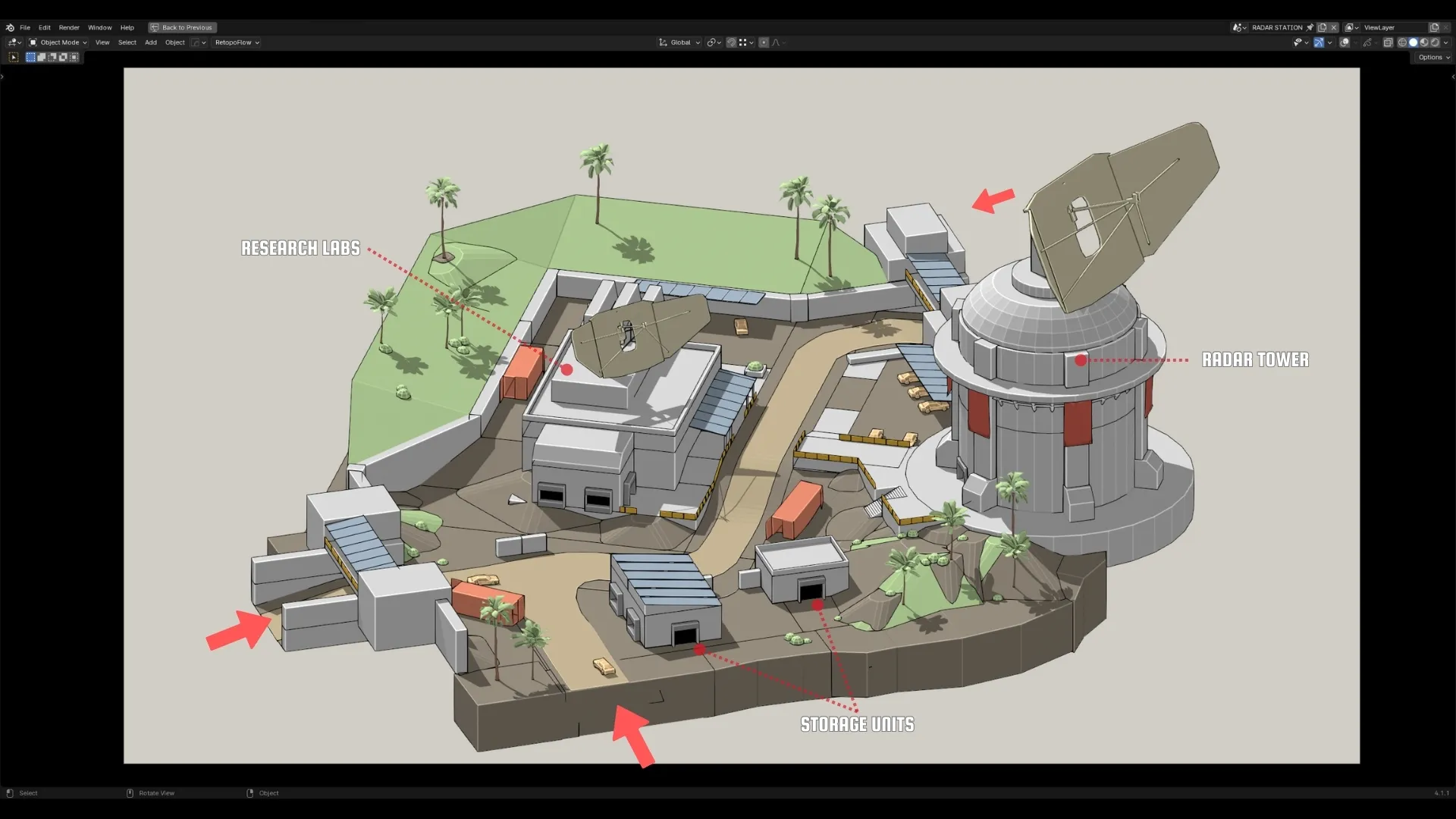
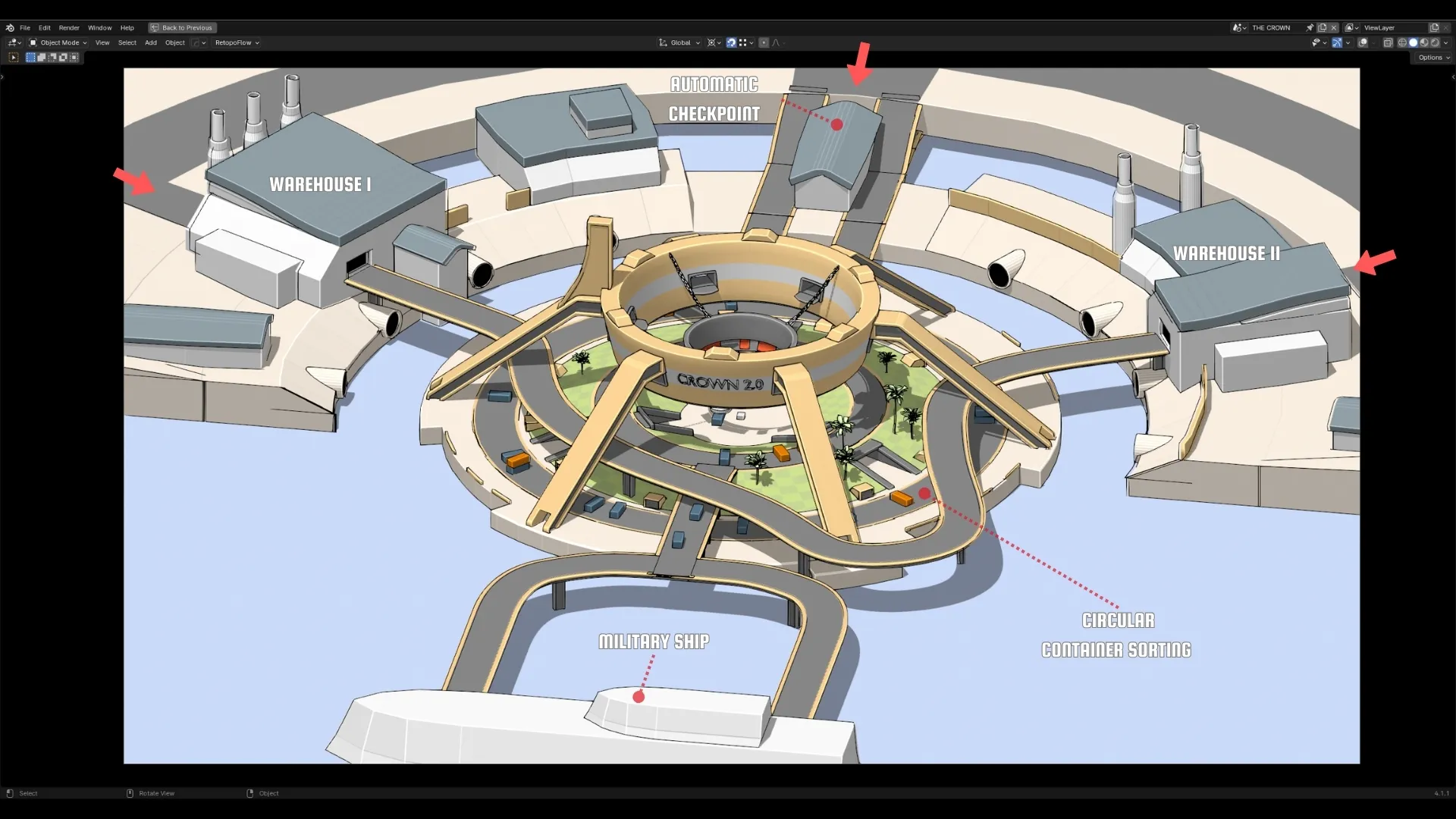
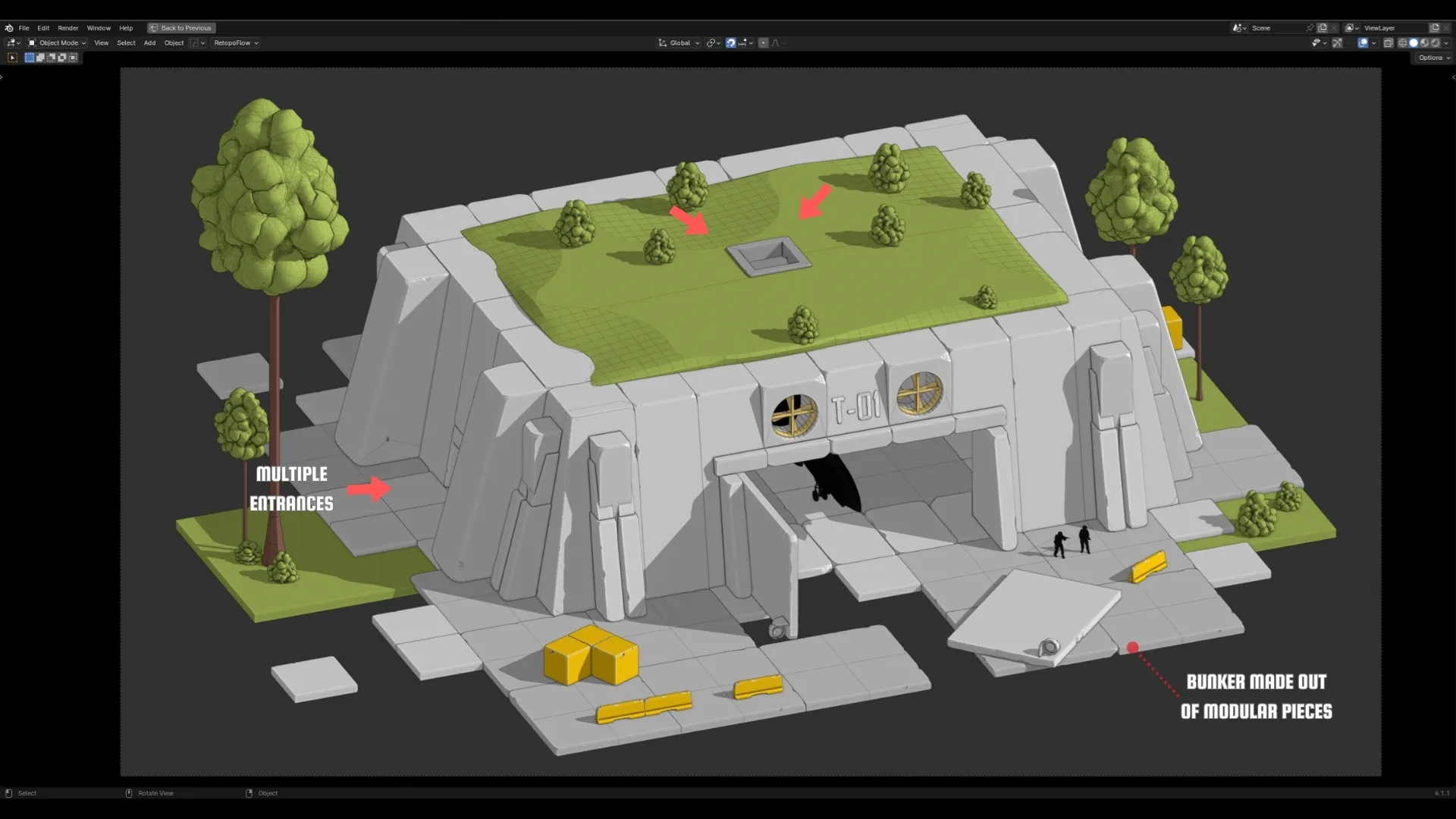
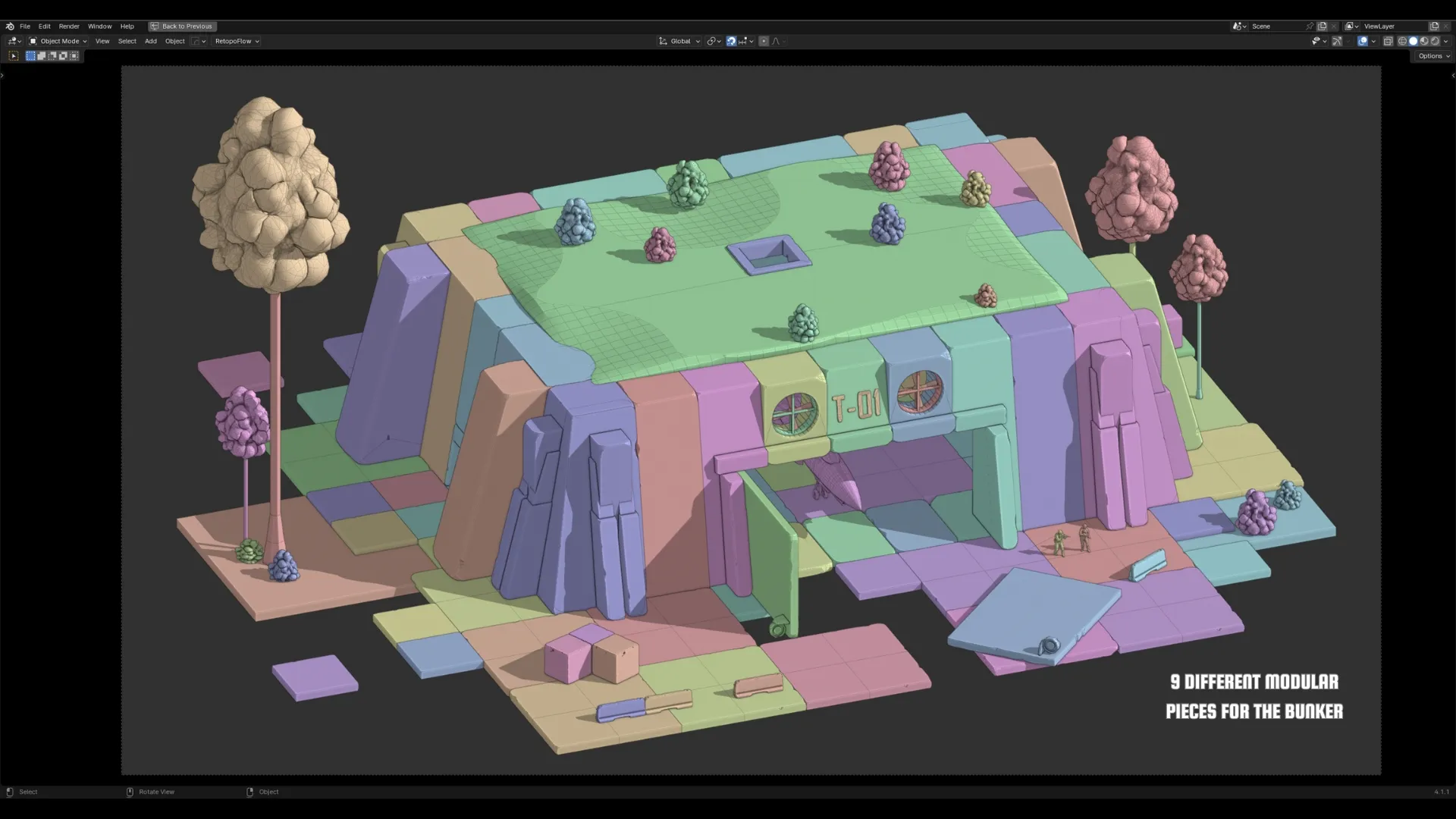
Blocking out, with use of Blender
Only after locking down a good macro layout, I will use Blender to iterate on my blockouts. Blender modeling toolset allows me to quickly visualize my designs. I have experience with modular workflows and using modifiers within Blender.
I always start with a blockout in the engine, because it is the quickest way to playtest your ideas.
Only after we have something we like and we need something a bit more detailed. I will go into Blender and use my experience to create a more "greybox / detailed" type of level.
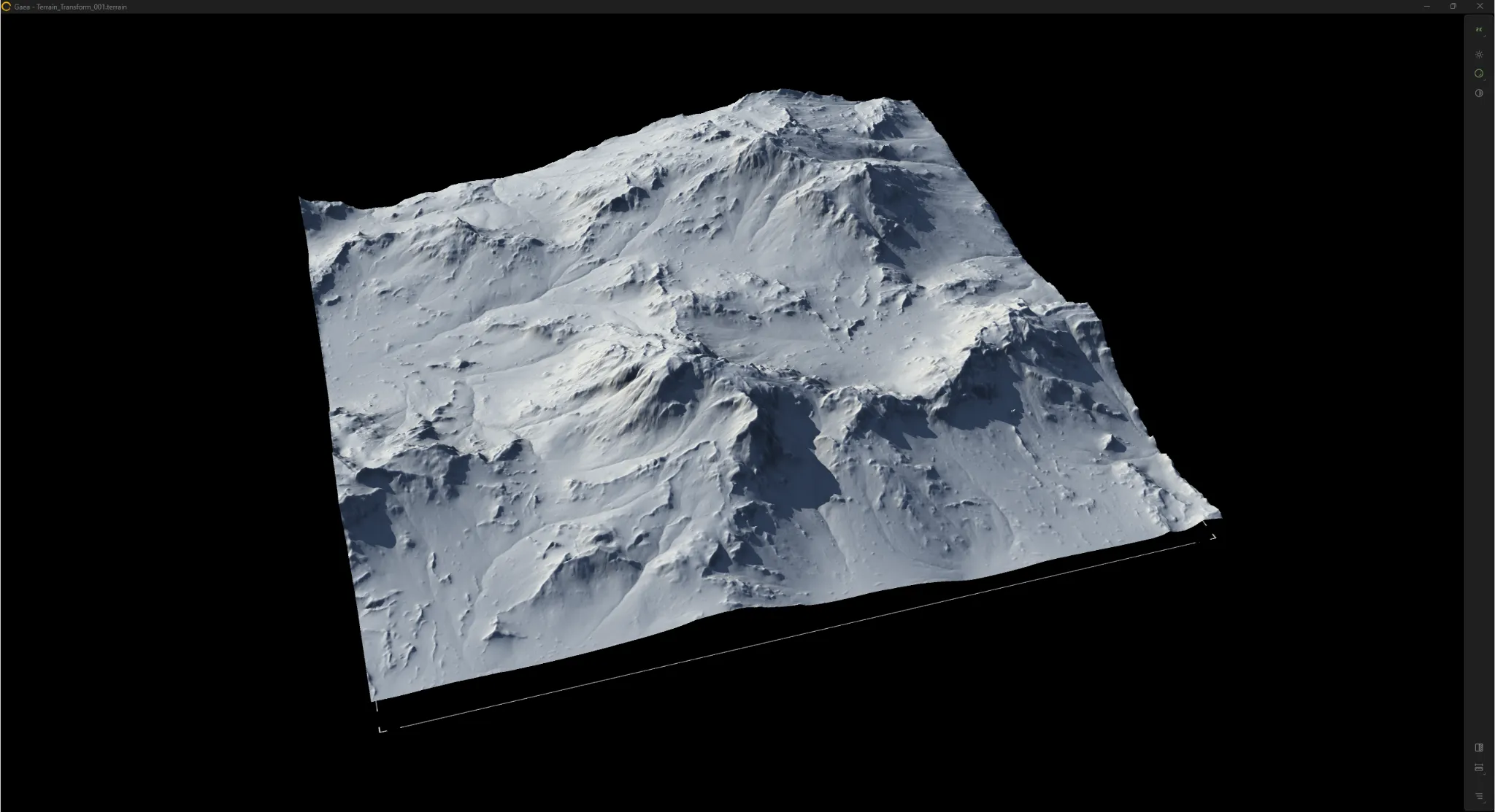
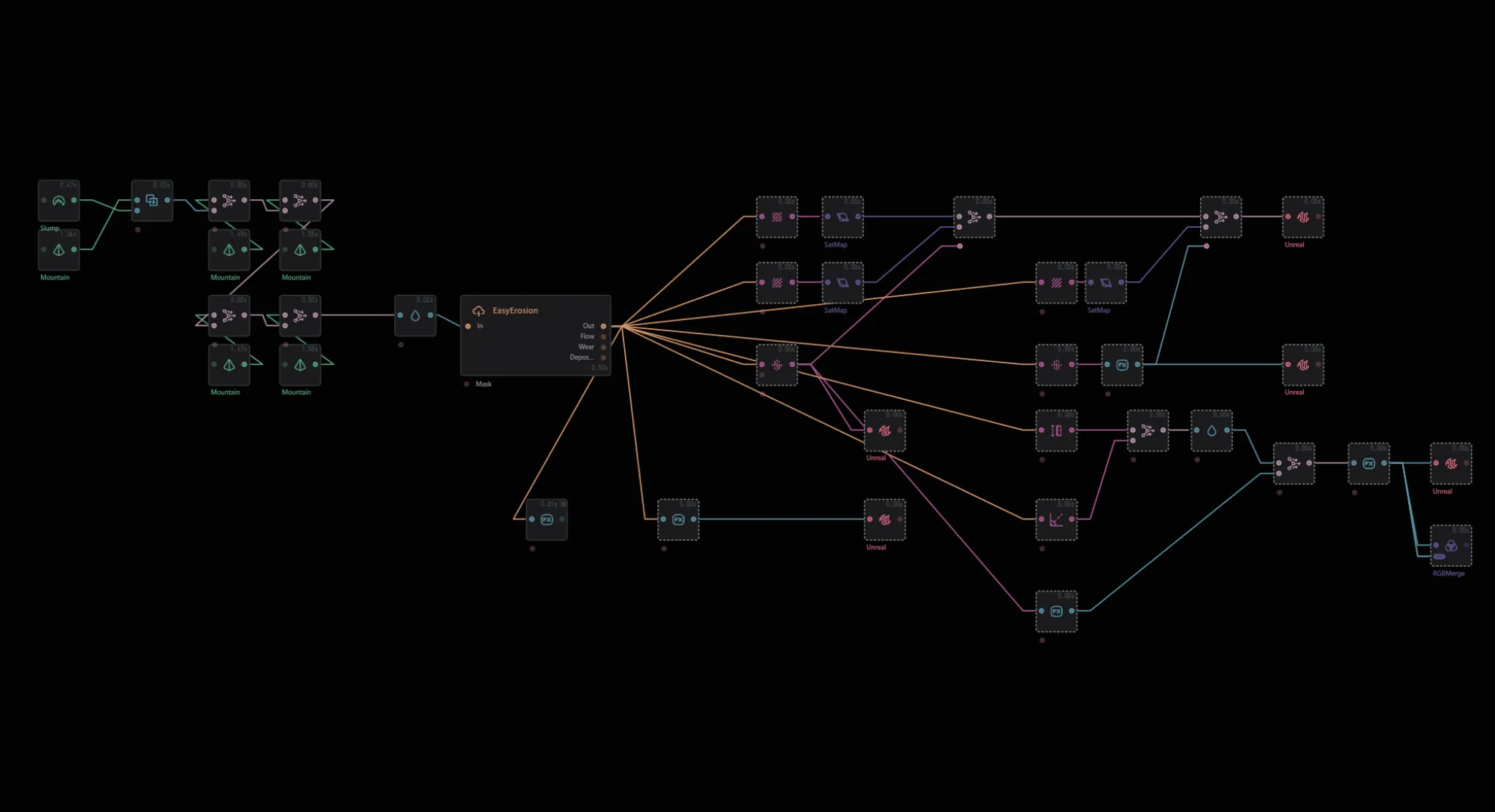
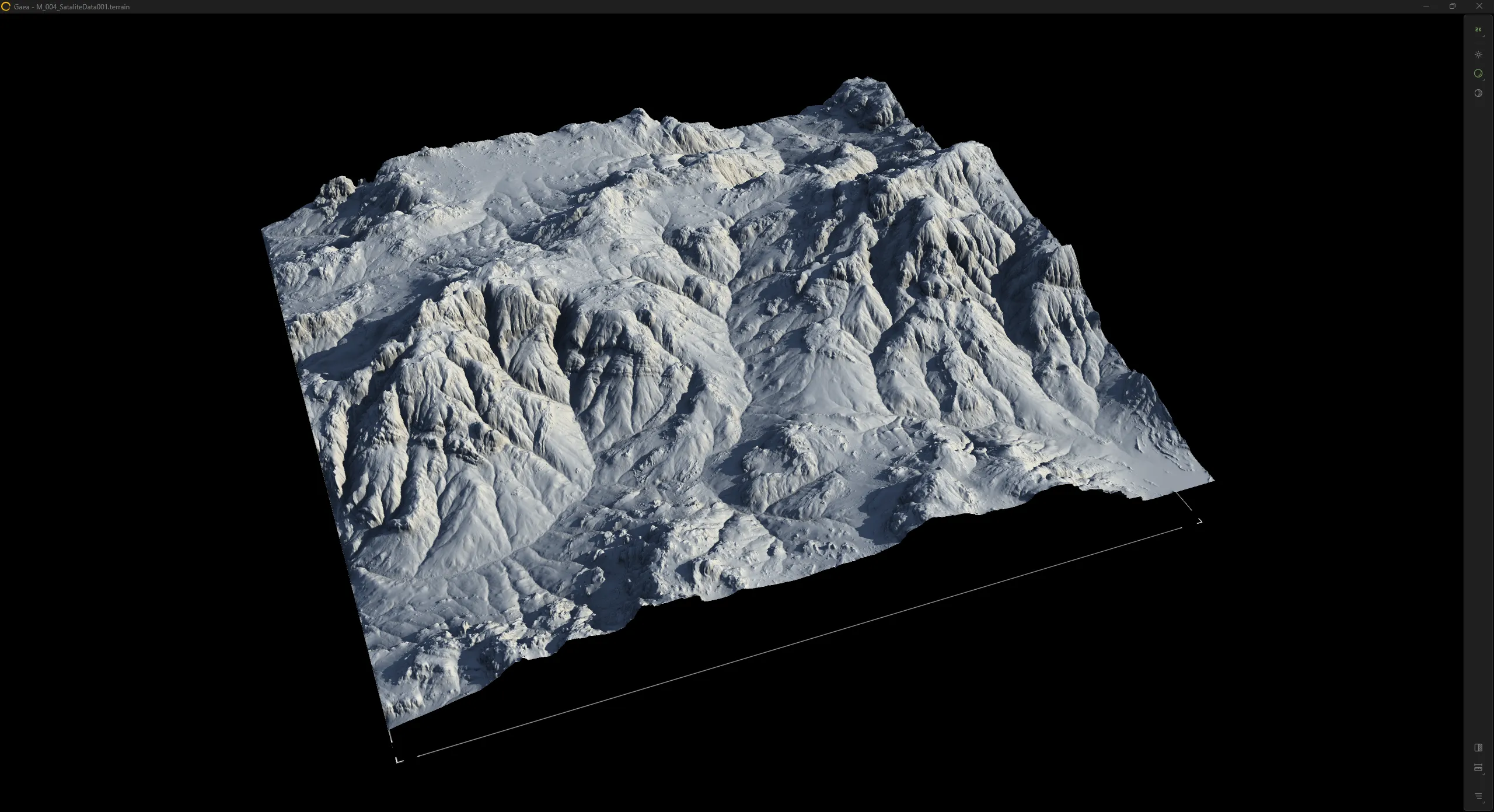
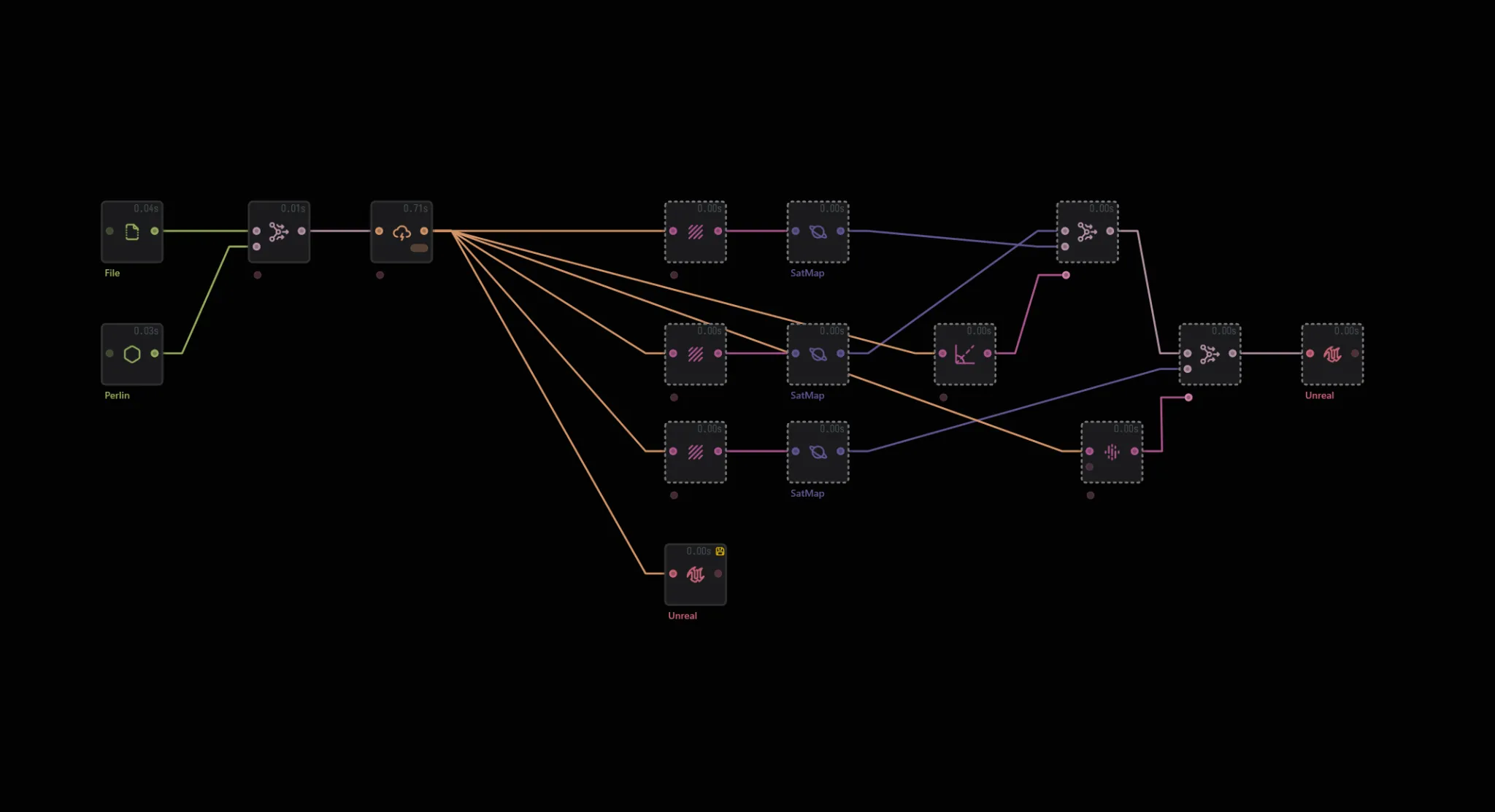
Procedural Terrain Creation, with use of GAEA + Unreal Engine 5
I am familiar with terrain creation for games. I use a wide range of tools depending on the project needs. Programs I use: World Machine, GAEA, ZBrush, Blender, Unreal Engine 5
During my time at Ubisoft Annecy as a world designer, I was part of the terrain creation for Riders Republic.
Here are a few examples of my recent personal explorations for terrain creation inside of Unreal Engine 5.
Technical Prototypes
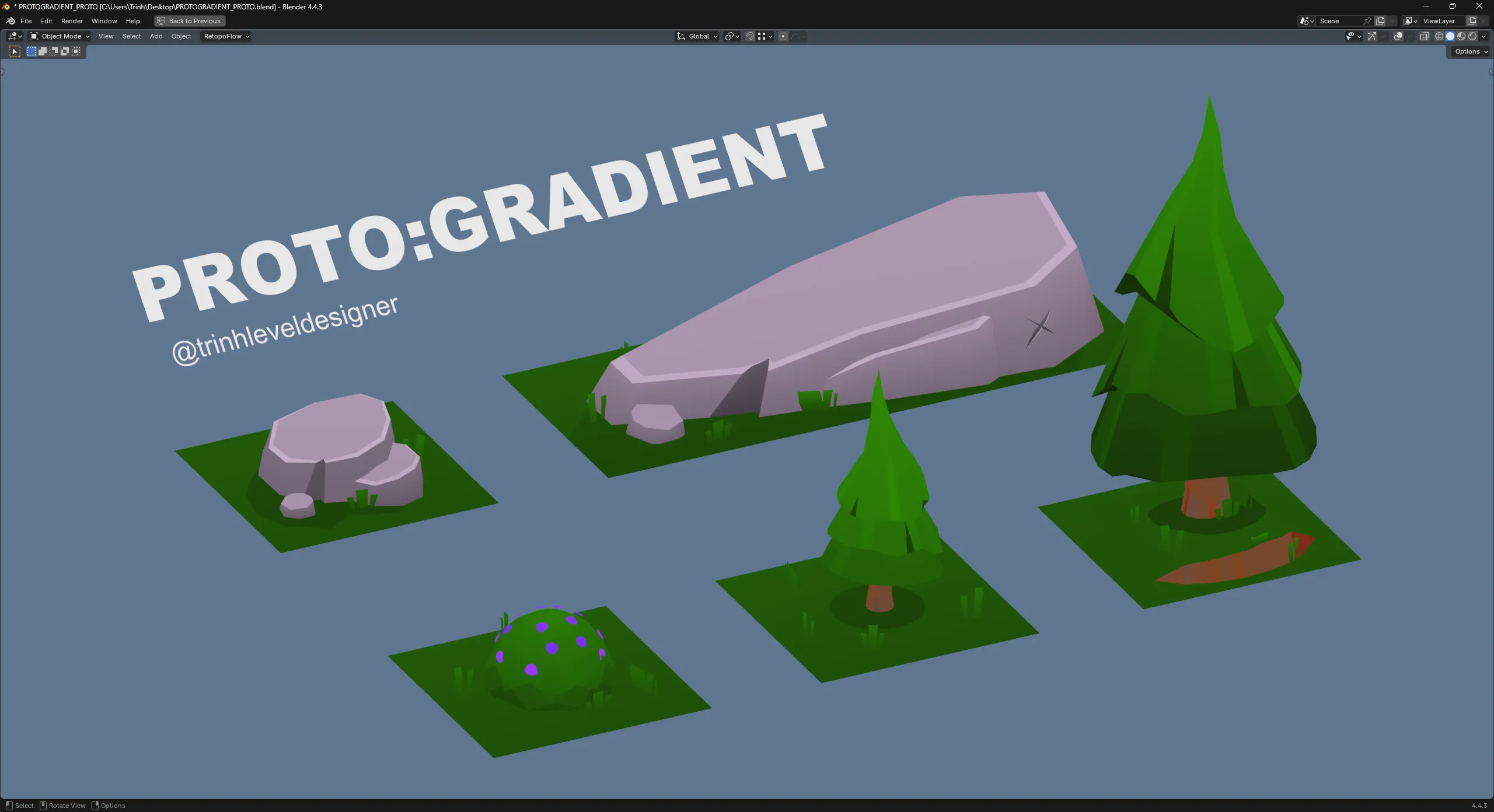
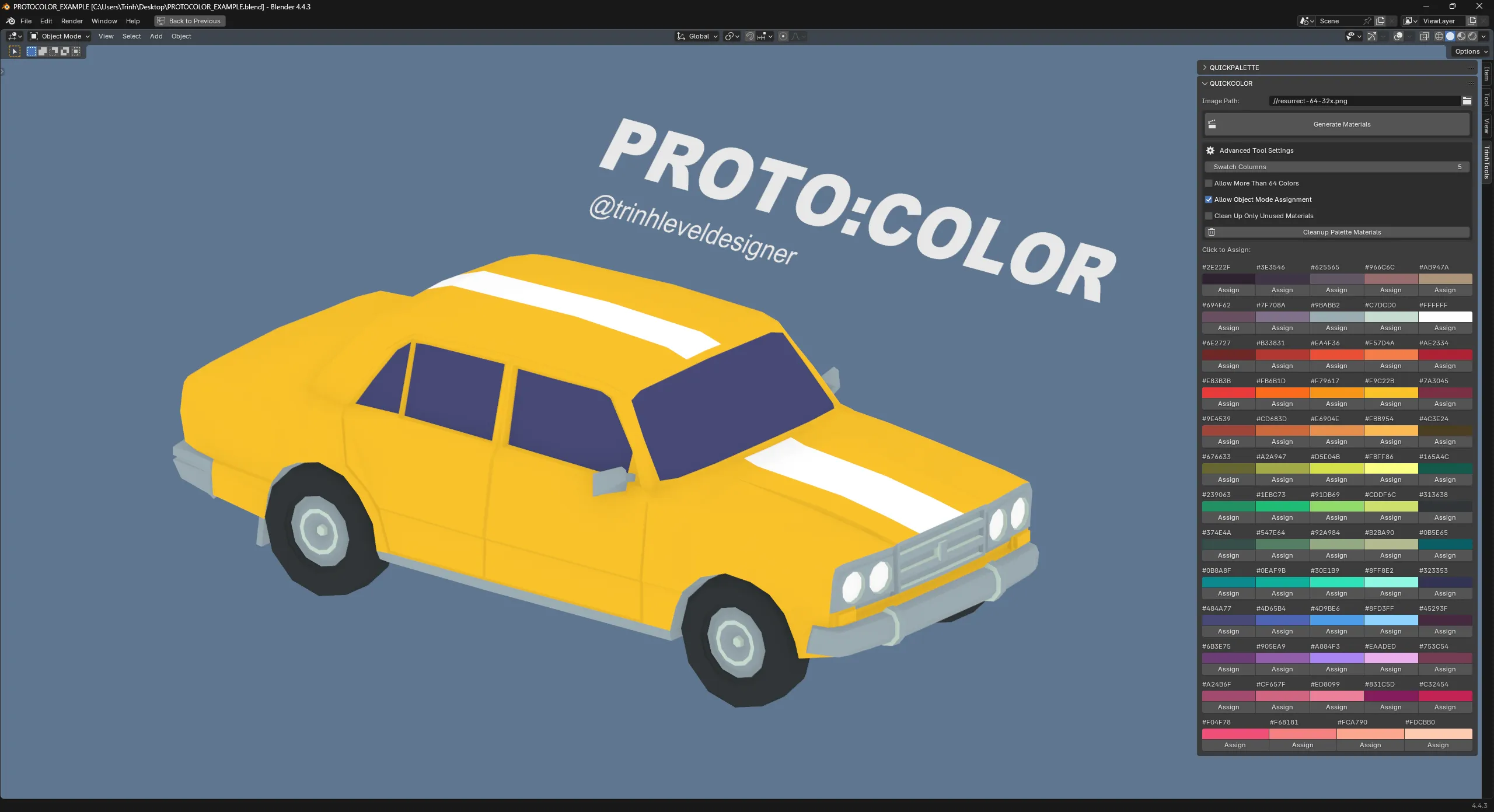
🛠️ Tools WIP → If you wish to know more about it, feel free to contact me.
Currently the tools are in early access for a select group.
Proto Spline Volume is available on Fab.
Creating Plugins for Unreal Engine & Blender using AI, html, C++ & Python
I created the Proto:Tools suite, tools that speed up our workflow through intuitive design, giving us more time to spend on the creative part of game development.
Website for Proto:Tools and its documentation can be found here at: prototools.trinhlabs.com
I always try to find ways to improve on my own workflow. After so many years in game development, you start to think. "I wish there was an easier or quicker way to do things" and usually the answer is yes, there is probably an easier way.
Sometimes this easier way hasn't been made yet. Therefore I decided to make it myself.
Basic Dodge - Multiplayer Ability Setup in Unreal Engine 5
A blueprint example showing how I setup a dodging ability in Unreal Engine 5. This ability takes into account networking
(please use the desktop version of the website to browse through the blueprint graph)
This is an example where I implemented a dodge ability. This ability is replicated. I use "Smooth Sync" to make sure that movement feels smooth.
To make the dodge feel like it takes into account momentum, I check for the players velocity and adjust the animation speed of the dodge clip